A poster for the feed
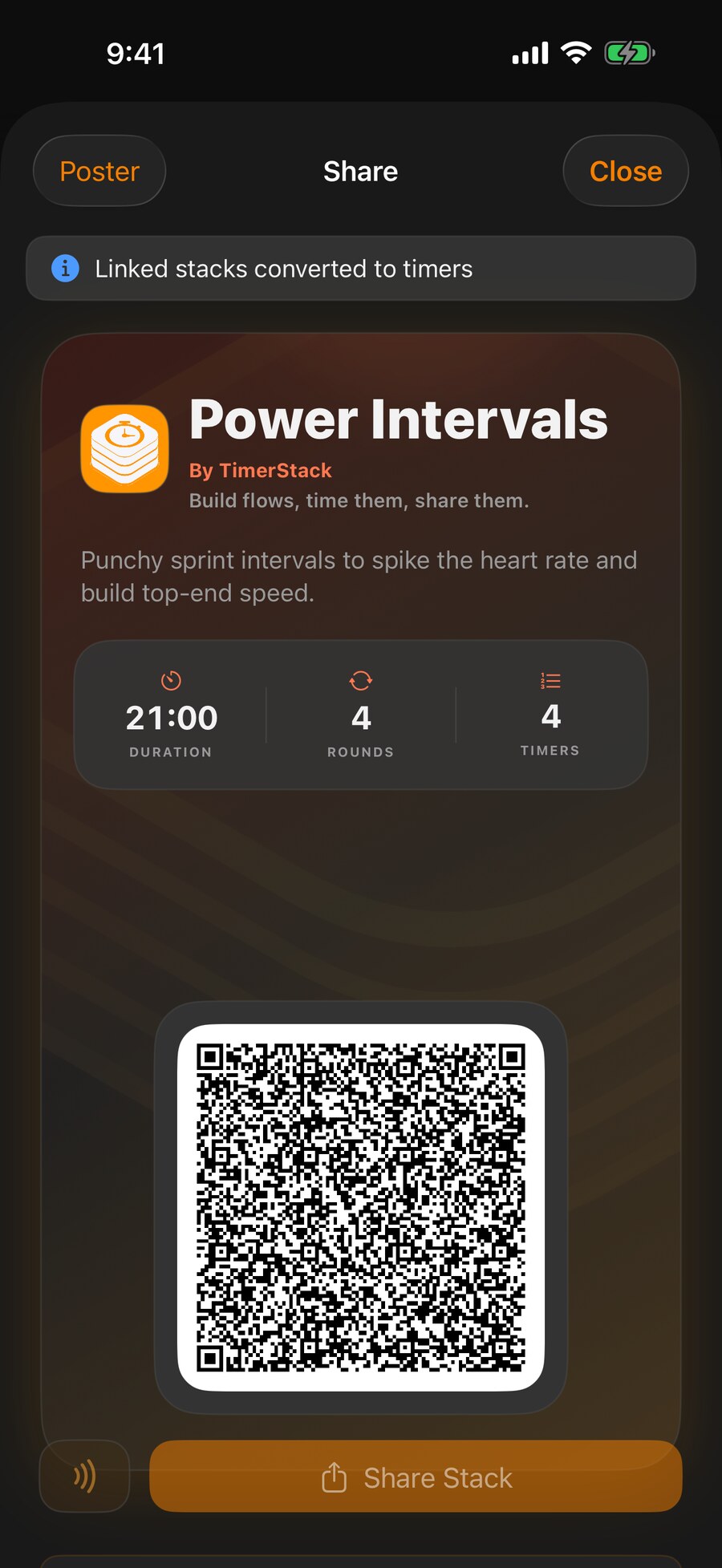
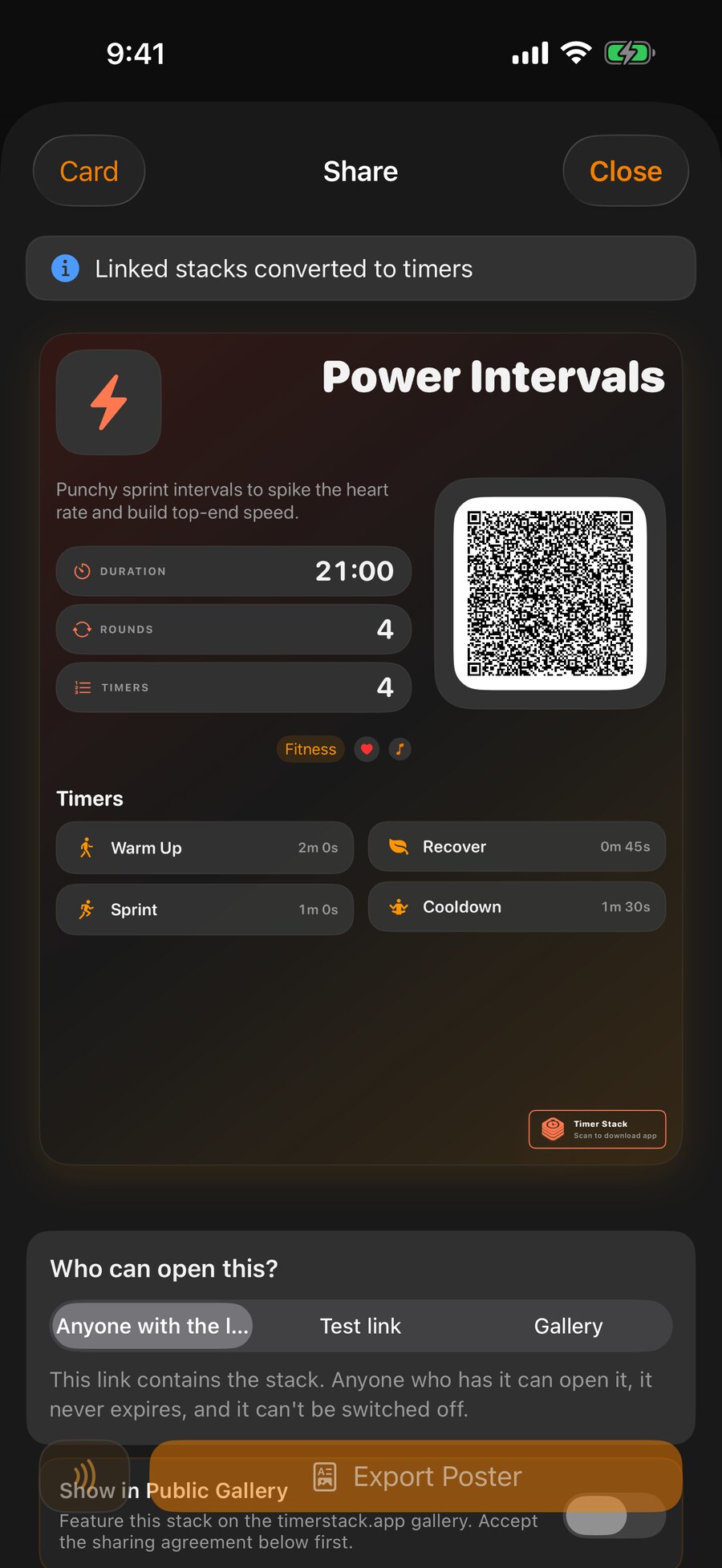
Export an image built for Stories and posts, carrying your branding and a code that opens the routine. It works as a post, on a gym wall, or on a printed handout.
For Creators
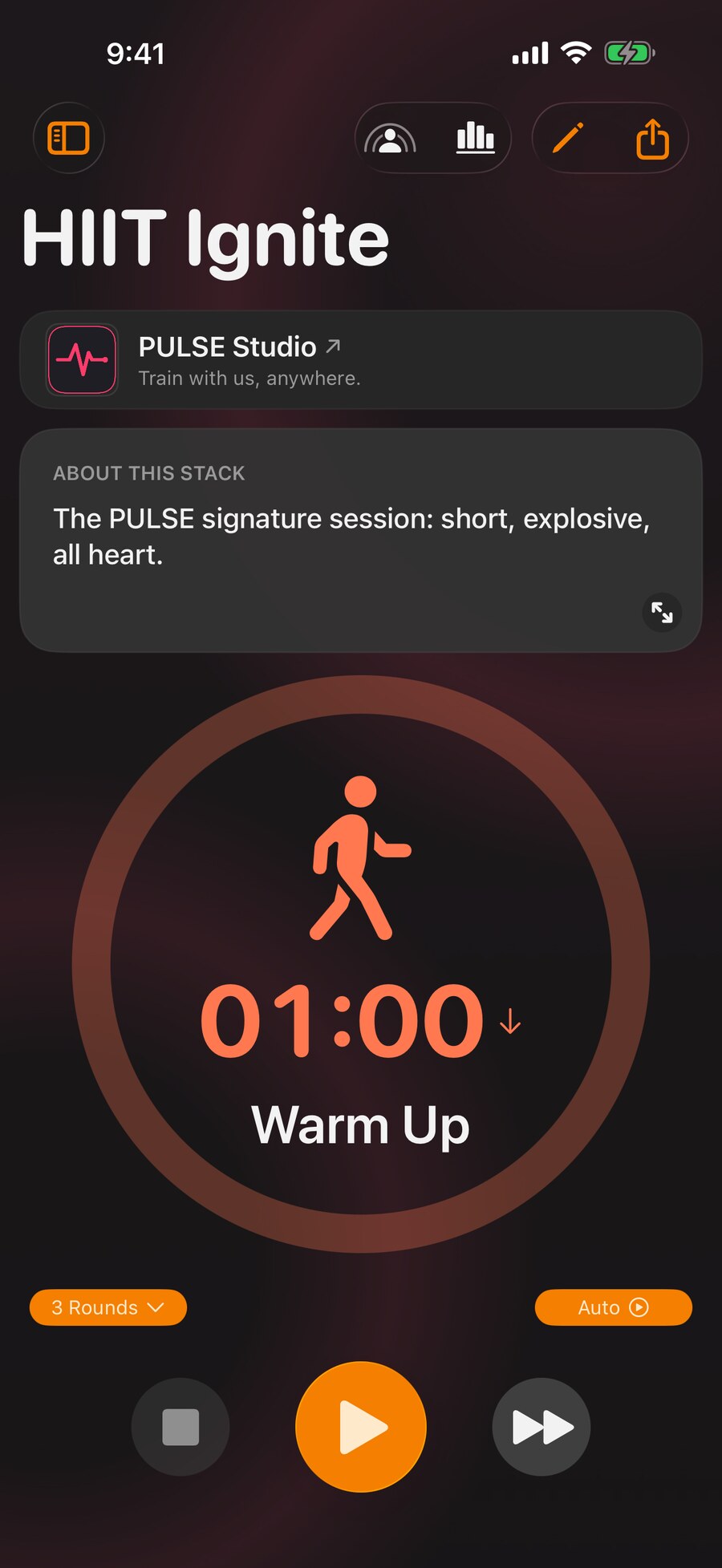
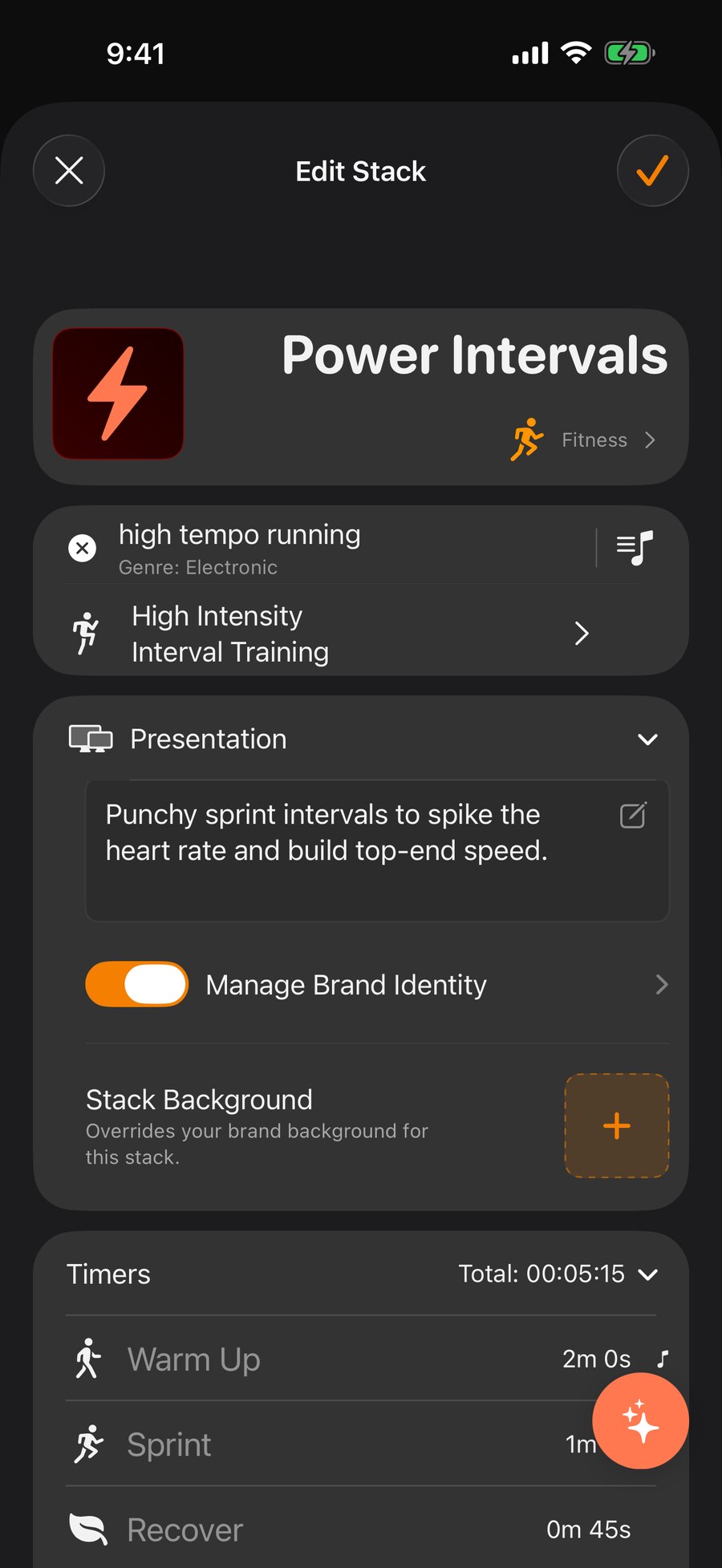
You already write the sessions. Right now they reach people as a PDF nobody opens twice, a video they have to pause constantly, or a list in a caption. Publish the routine itself instead, and it runs on their phone the way you intended, with your name and your logo on the screen while it does.
What They Receive
The difference between sending a routine and publishing one is what happens after they open it. A published stack arrives complete, and every step advances on its own while they train, study, or cook.
How It Reaches People
Publish once. Share it wherever your audience already is, and the same session arrives intact through any of them.
Export an image built for Stories and posts, carrying your branding and a code that opens the routine. It works as a post, on a gym wall, or on a printed handout.
One URL you can put anywhere. Opening it on an iPhone brings the routine straight into the app, ready to run.
Share to everyone in front of you at once, no link and no signal needed, for a class, a workshop or a team session.
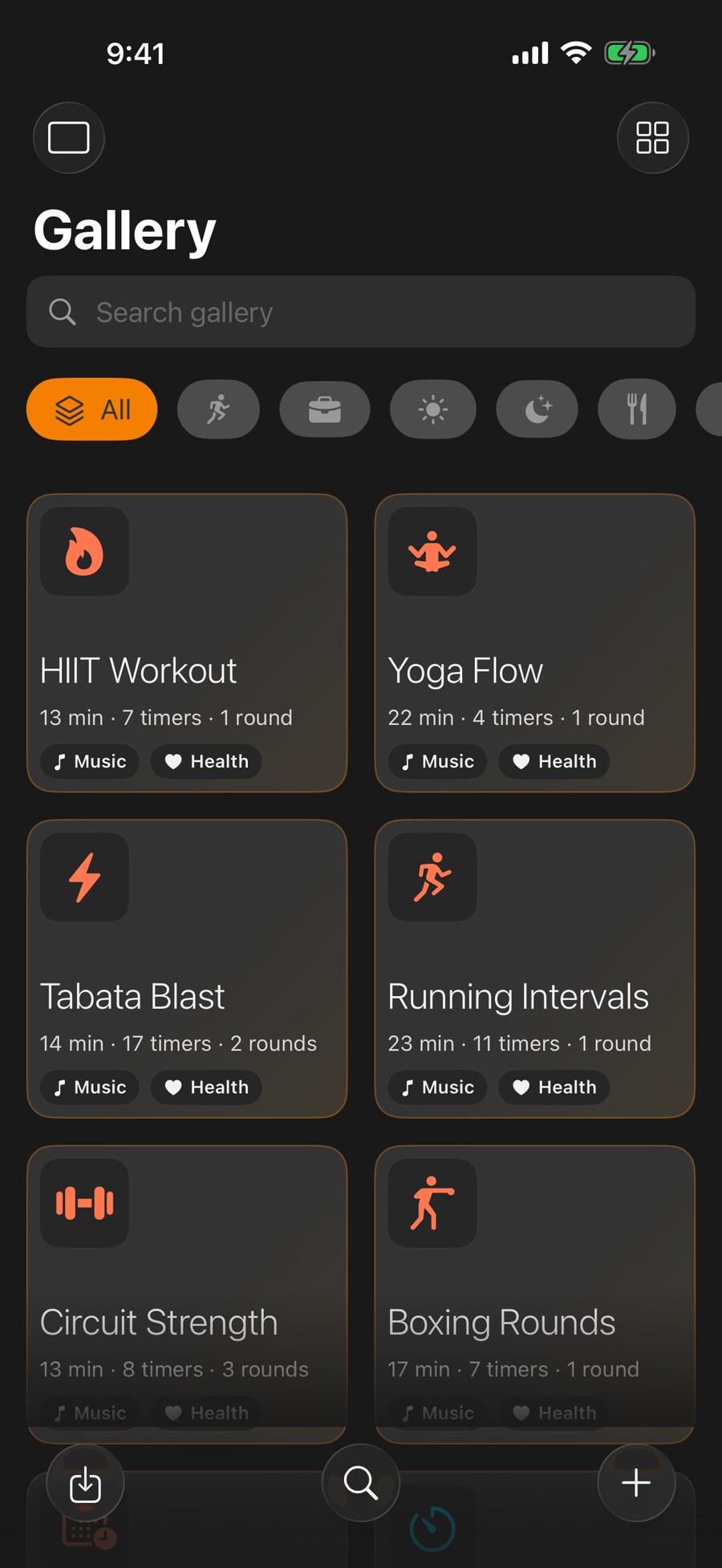
List a routine where people browsing by category can find it, download it, and find you through it.
Who It Is For
Coaches sending programmes to clients between sessions. Studios putting a class in the hands of people who missed it. Physios issuing home exercises that actually get done. Teachers running revision blocks. Anyone whose followers keep asking what the workout was.
You are not building an app or maintaining a website. You build the routine once in the editor, set your identity, and publish. The structure that makes it run hands-free is the same structure everyone else uses, so there is nothing bespoke to support afterwards.
Timer Stack is in beta on iPhone and Apple Watch, with Android in early beta. Creator publishing is part of Pro, and everyone who joins during the beta gets a year of it on top of Premium for life. In exchange we want the unreasonable questions: what breaks, what is missing, and what your audience actually does with a routine once they have it.