Build it yourself
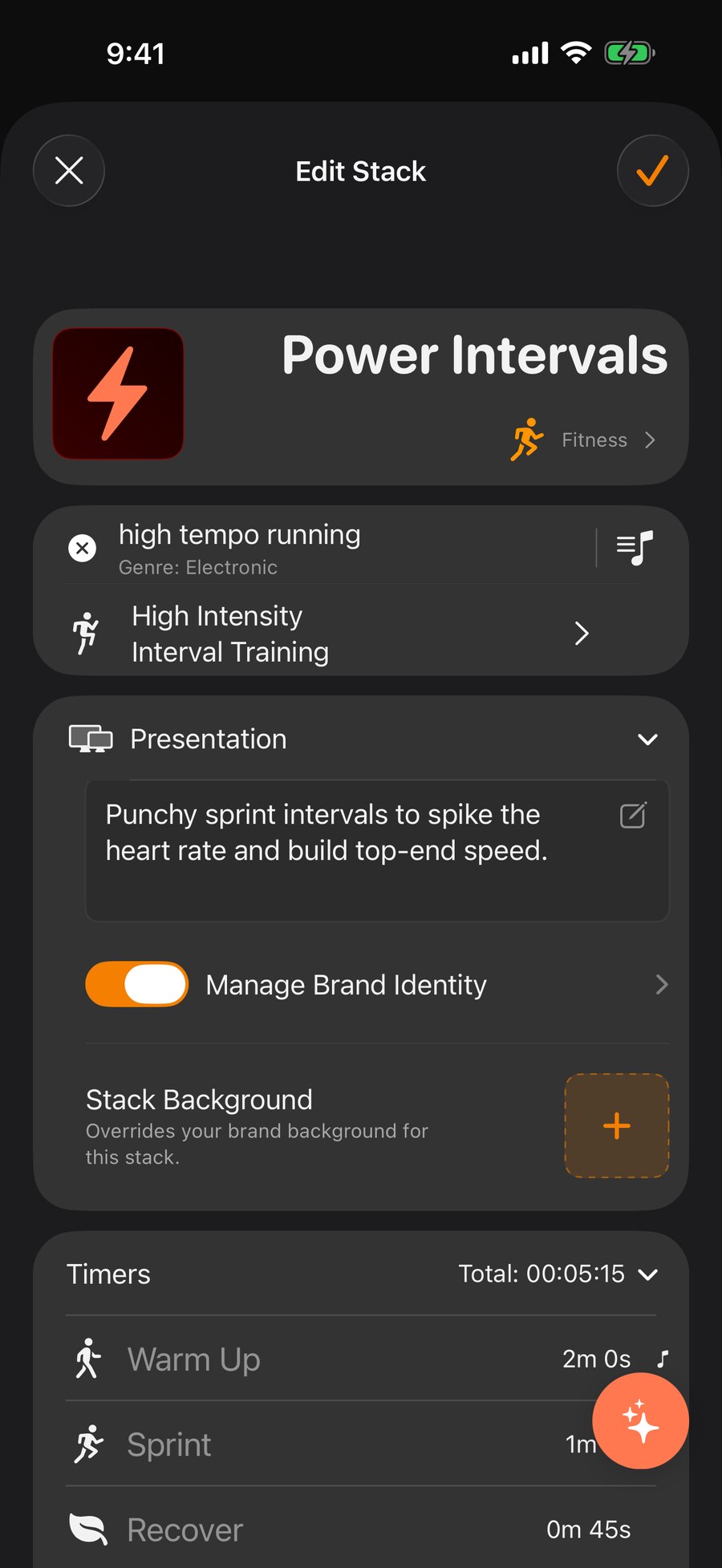
Add steps, set durations, label them, give them icons and colours. Full control when you know exactly what you want.
Features
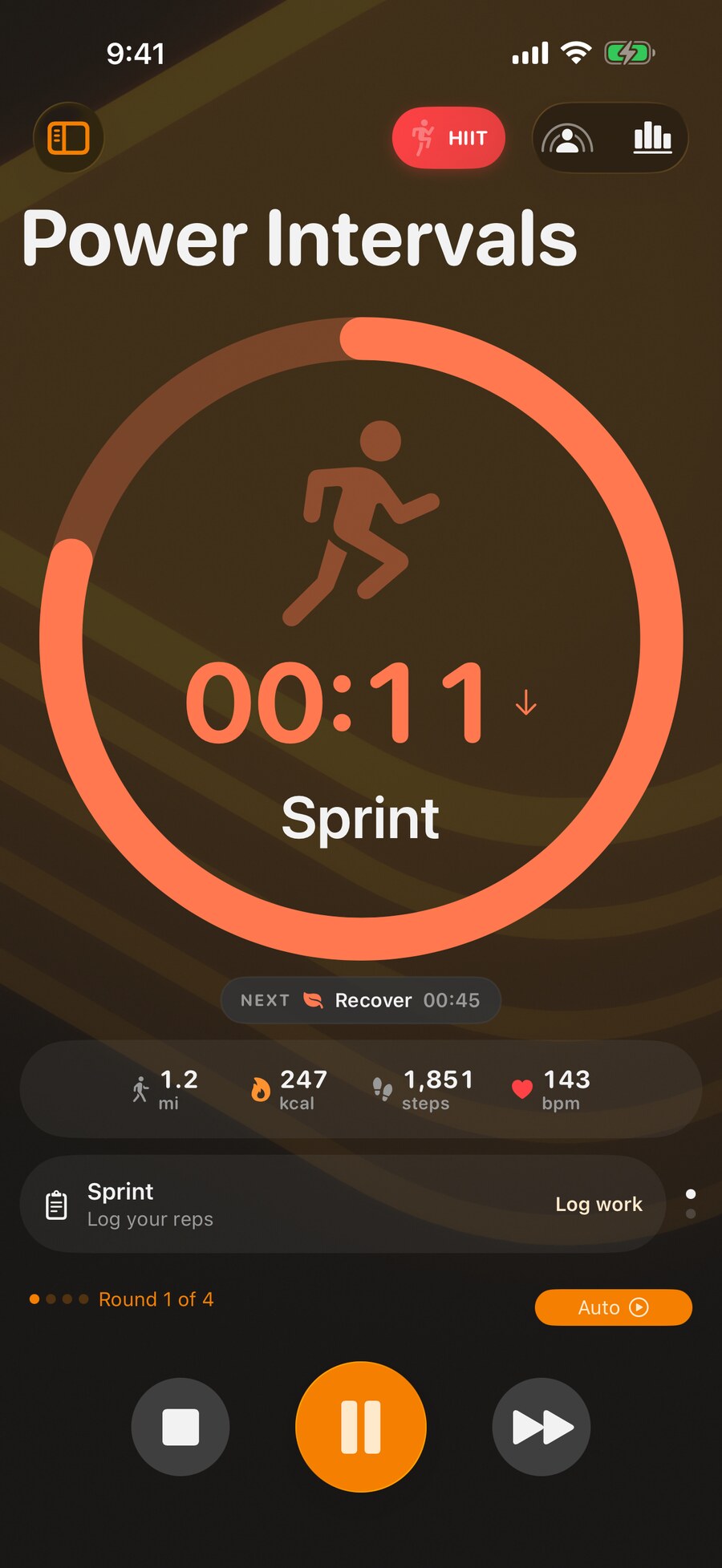
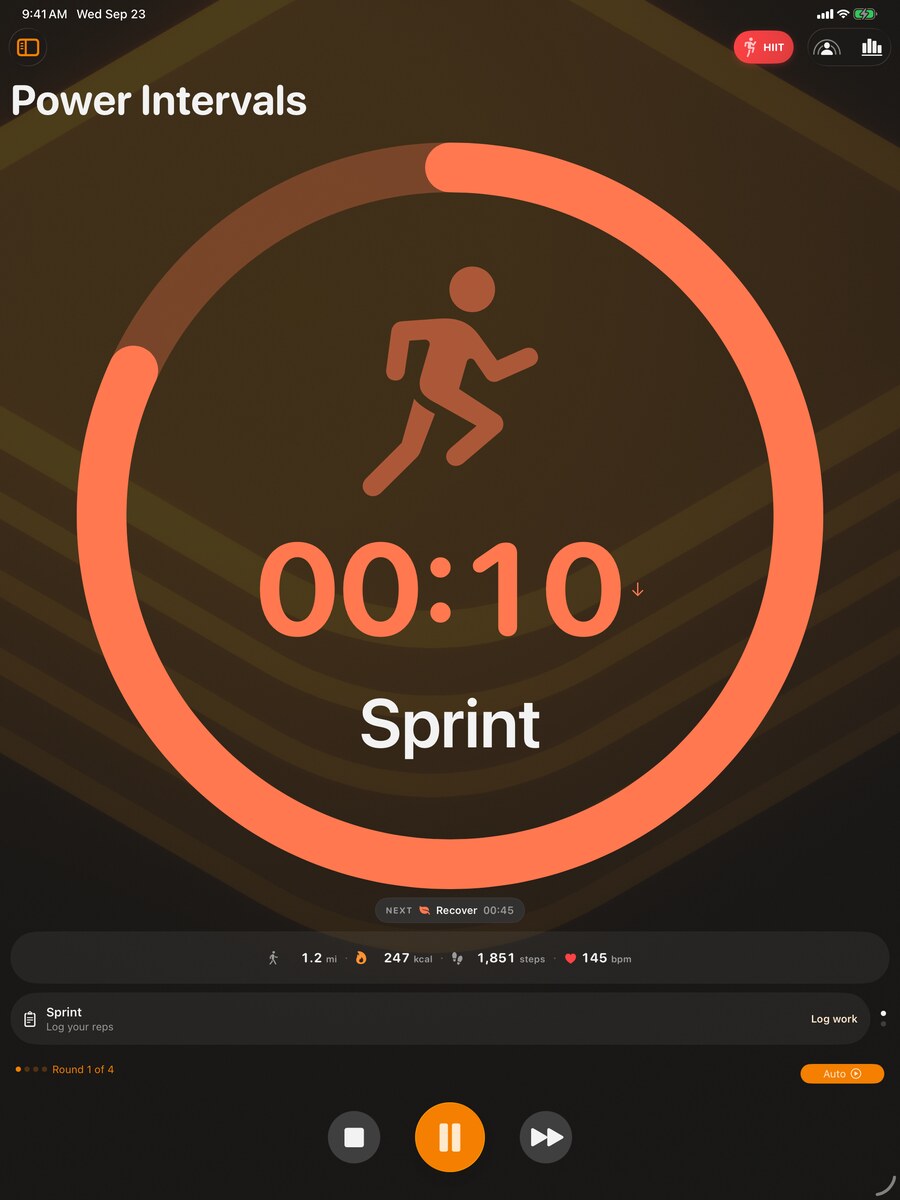
A stack is a sequence of timers that flows by itself: warm up, work, rest, repeat, cool down. You press start once. Every step announces itself and hands over to the next, on your Lock Screen and your wrist, while your phone stays where it is.
The Timer Engine
They have rounds, rests that differ from the work, a warm up that only happens once, and something in the oven that ignores all of it. Timer Stack keeps that structure readable while you build it and while it runs.
Getting Started
Most timer apps hand you an empty form. The fastest routine is often one that already exists.
Add steps, set durations, label them, give them icons and colours. Full control when you know exactly what you want.
Write what you are doing in plain language, such as a thirty minute strength circuit with short recoveries, and get a complete stack back. Then change anything you like: it arrives as a normal routine, not a locked result.
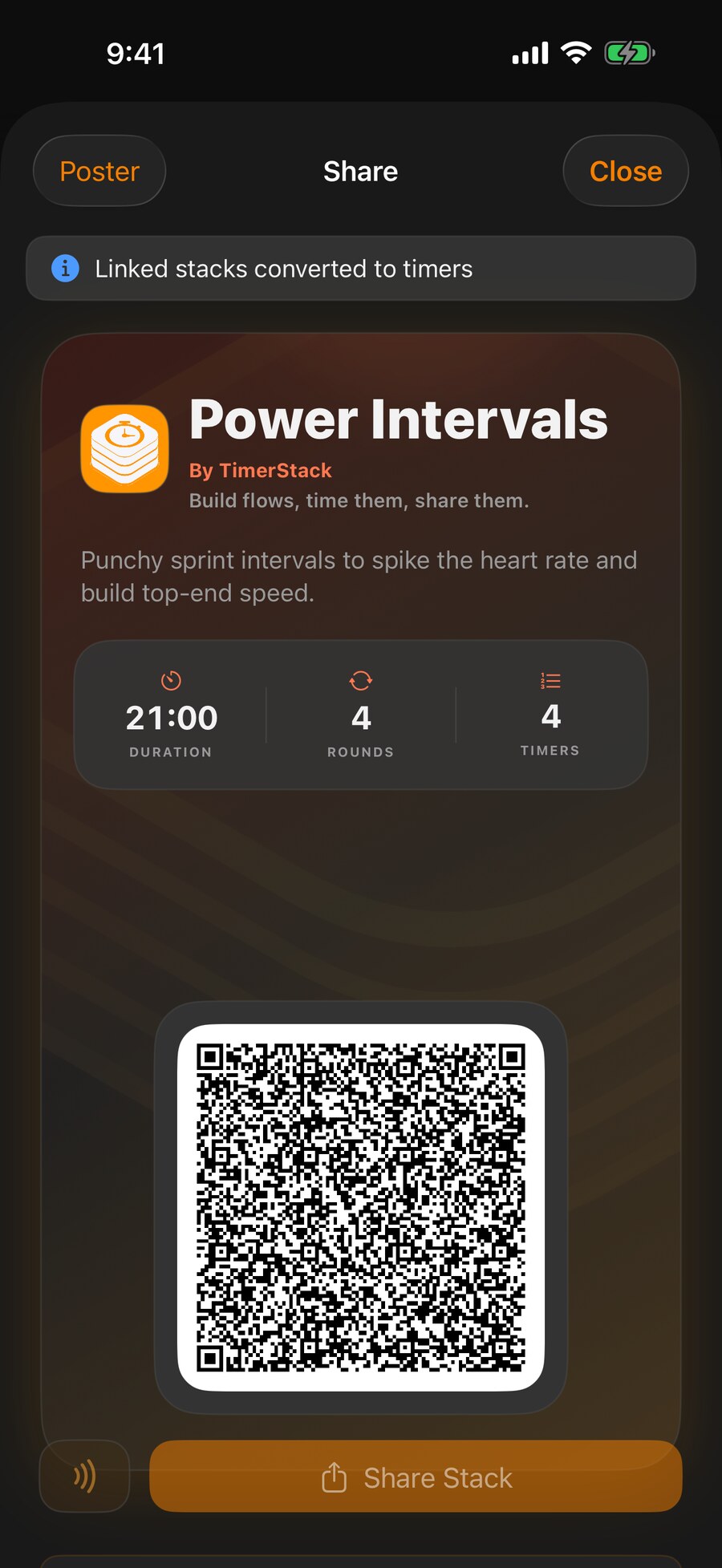
Import a routine from the gallery, a link or a QR code, and it becomes your copy to keep and reshape.
Sharing
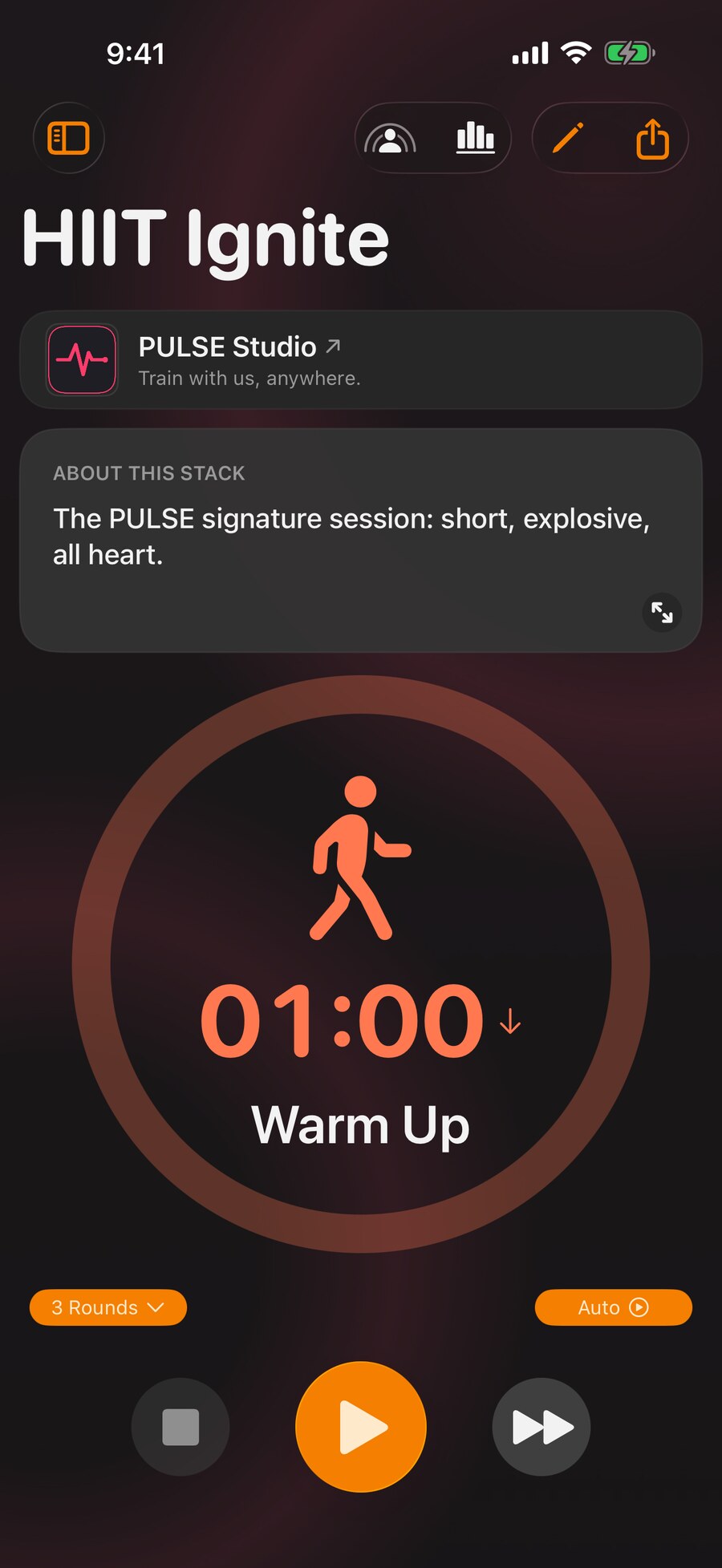
A routine that took you an hour to get right should not have to be rebuilt by hand by everyone who wants it. Every stack travels whole.
Apple Ecosystem
Not a web app in a wrapper. The integrations people actually reach for, done natively.
Progress
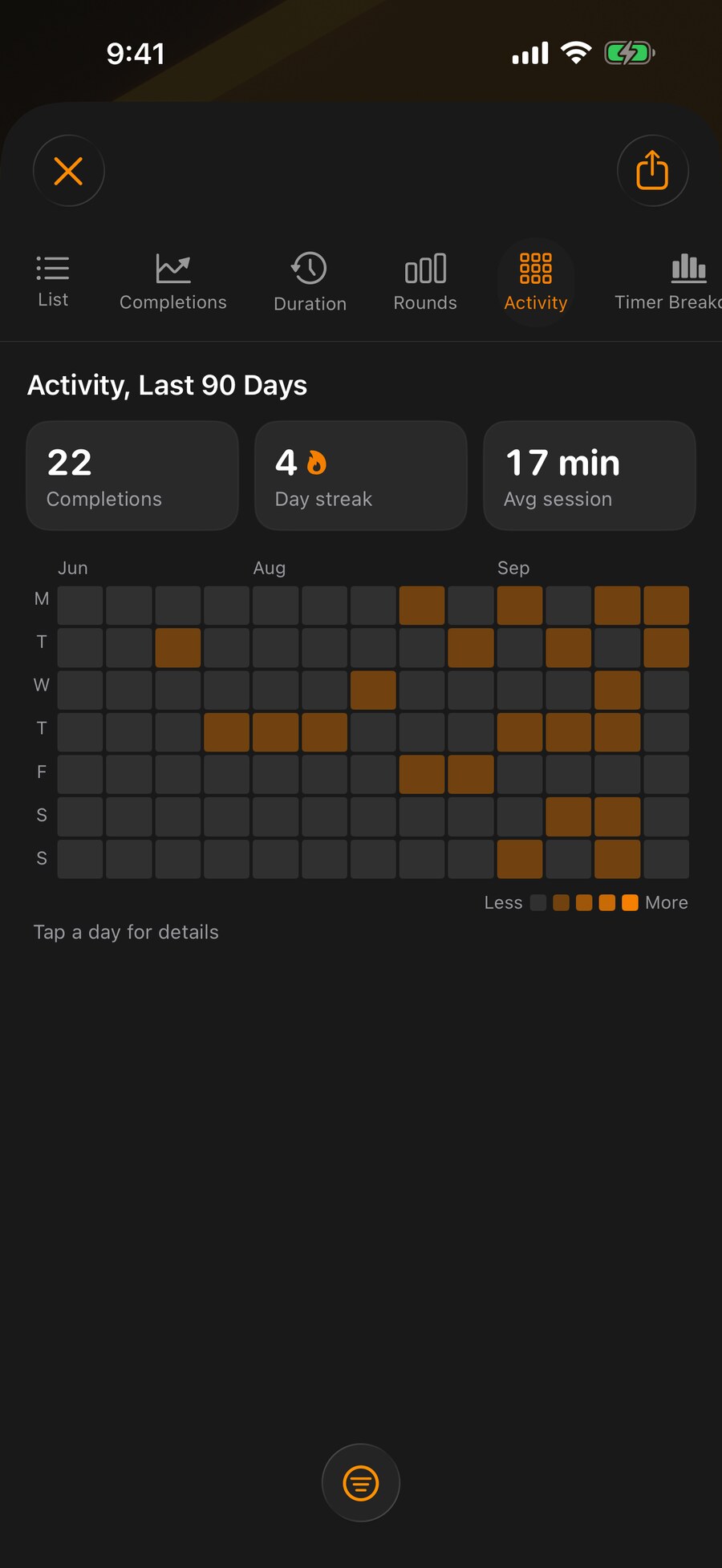
Every completed routine is recorded, so consistency becomes something you can see rather than something you try to remember.
The Details That Matter
Building and running routines needs no internet. The gym basement, the aeroplane and the kitchen with bad signal all work the same.
VoiceOver, Dynamic Type and high contrast are supported throughout. A routine you cannot read is a routine you cannot run.
The Android build is real and in testers' hands, though still behind iPhone and Apple Watch. It is heading for the same feature set, and routines already move between the two. Join the beta and you go into that group.
Published routines are signed and checked on import, so a session from a creator can be shown to be theirs. How that works.
Pricing
The core of Timer Stack is not a trial. Building routines, running them hands-free, and importing what other people share are all free, permanently.
Build, run and save routines. Import from links, codes and the gallery. Apple Watch, widgets, Lock Screen and Health.
Detailed statistics, streaks and goals. Linked stacks that launch one routine from another. Custom themes and categories, export, and public share pages.
Publish under your own verified identity, with branding, embedded media, and distribution through links, codes and the public gallery.
Timer Stack is in beta and free while it runs: iPhone and Apple Watch are furthest along, and the Android build is in early beta behind them, heading for the same feature set. Join now and Premium stays yours afterwards. Founding creators get a year of Pro on top.